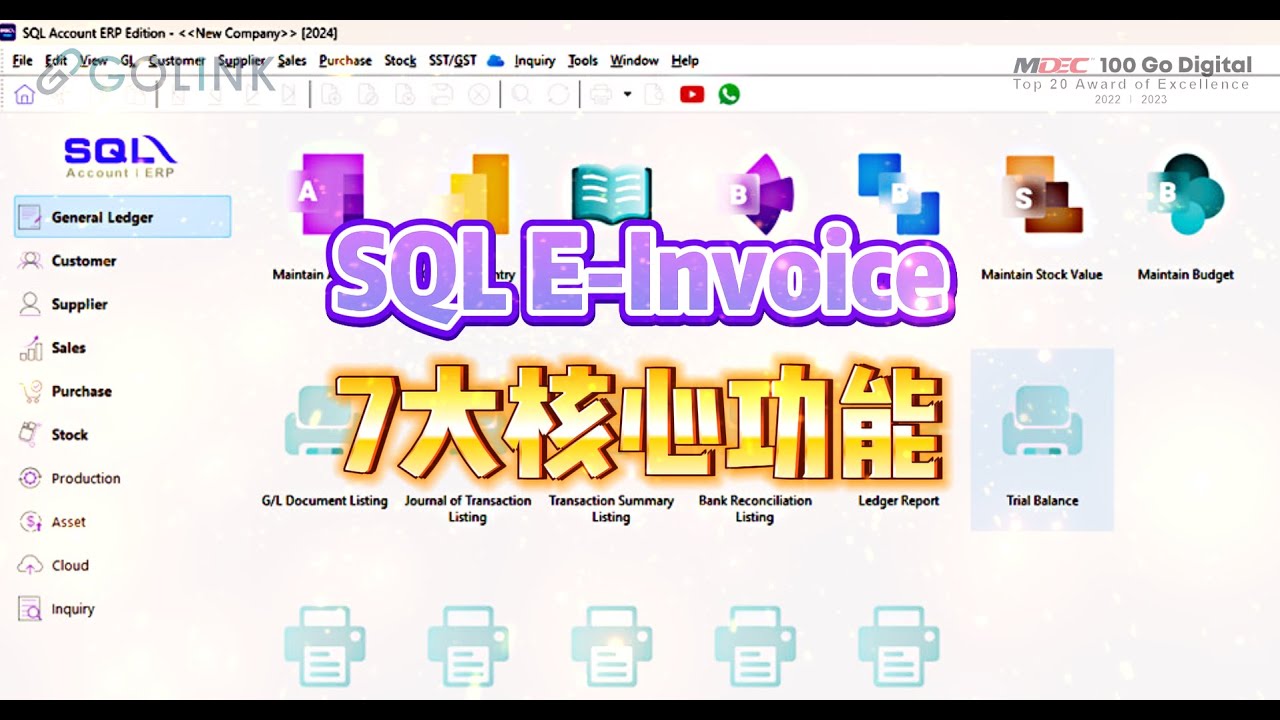
Instantly retrieve customer and TIN numbers from the integrated SQL TIN Database.
Instantly retrieve customer and TIN numbers from the integrated SQL TIN Database.
E-Invoice Status Tracker
Track E-Invoice status at a glance with a clear icon and a 72-hour rejection/cancellation countdown.
Track E-Invoice status at a glance with a clear icon and a 72-hour rejection/cancellation countdown.
Easy Cancel & Resubmit
Quickly cancel and resubmit an E-Invoice within 72 hours for easy amendments.
Quickly cancel and resubmit an E-Invoice within 72 hours for easy amendments.
One-Click Submission
Submit and email multiple invoices to customers with a single click
Submit and email multiple invoices to customers with a single click
E-Invoice Self-Service
Customers can scan a QR code to request an E-Invoice, with all data submitted automatically.
Customers can scan a QR code to request an E-Invoice, with all data submitted automatically.
Purchase Invoice Import
Easily import supplier invoices directly from the MyInvois Portal to reduce manual entry.
Easily import supplier invoices directly from the MyInvois Portal to reduce manual entry.
Customer Info Request
Generate a secure link for customers to submit details, which SQL retrieves in bulk.
Generate a secure link for customers to submit details, which SQL retrieves in bulk.
SQL-to-SQL Sharing
Share documents instantly between SQL users without email or other attachments.
Share documents instantly between SQL users without email or other attachments.
E-Invoice Onboarding Guide
Not sure where to begin with E-Invoice? We’re here to help. Our comprehensive guide walks you through every step of the process, ensuring a smooth transition and full compliance. Let us simplify your journey to E-Invoice.
Our experienced trainers simplify E-Invoicing through a practical, step-by-step approach. From fundamental concepts to advanced workflows, we make complex processes easy to follow for users of all levels. Gain the confidence to resolve challenges and implement E-Invoice solutions effectively with our hands-on guidance.
Updated based on LHDN E-Invoice Guideline/FAQ as of 07/12/2025
Disclaimer: This tool is intended for general reference only and does not constitute official tax advice.
Please consult the official LHDN E-Invoice guidelines or your tax advisor for confirmation of your specific implementation date.
Our Software is Open for Customization
Feeling like adding more features, or having some personal touch to your own system? Feel free to contact our support team, and we will provide you with the most reasonable quotation.
Get quick, authoritative answers to common E-Invoice challenges. Our guide ensures your business remains compliant with LHDN standards while maintaining peak operational efficiency.
Still have questions? Click the button below to enquire further!
01. What if my supplier hasn't implemented E-Invoice yet? Do I need to self-bill?
No. During the current transition period, you should not self-bill for local, Malaysia-registered suppliers. Normal invoices or receipts remain acceptable for tax purposes.
02. How do tenants claim utility expenses if the bill is in the landlord's name?
It depends on the landlord’s status:
Commercial Landlord: The landlord must issue an E-Invoice to the tenant, including the utility amount.
Individual Landlord: The tenant must issue a Self-Billed E-Invoice.
SQL Software Tip: Use the GL > Cash Book Entry module and enter landlord details in the ‘More’ tab to generate this.
03. Should I self-bill for staff petty cash claims?
Local Purchases: No self-billing is required if the employee provides a validated E-Invoice.
Foreign Purchases: Yes. The employer must issue a Self-Billed E-Invoice to the foreign supplier (not the employee) to substantiate the expense.
04. Can I use two different systems to submit E-Invoices?
Yes. You can integrate multiple ERP systems with the MyInvois Portal. You must register each ERP in the portal to obtain unique Client IDs and Secrets for integration.
05. If a director owns two companies, do both need to start E-Invoicing?
Implementation is based on individual company revenue, not the director’s total income.
For example:
Company A (>RM500k): Must implement within the deadline.
Company B (<RM500k): Temporarily exempt until eligible.
06. Is a self-billed E-Invoice needed for one-off commissions?
Regular Employees: No. It is treated as salary.
Agents/Contractors: Yes. A Self-Billed E-Invoice is mandatory when paying non-employees.
07. What should I do if I encounter an E-Invoice upload error?
Common issues and suggested actions:
Stuck on “Loading”: Check your internet connection and retry.
“Submitted” instead of “Valid”: Click “Refresh E-Invoice Status” to retrieve the validated QR code.
“Invalid” Status: Review system error messages for missing mandatory fields.
08. Is registration for Preprod MyTax mandatory?
No. Preprod is a testing environment for practicing submissions. You may visit Preproduction MyTax(preprod-api.myinvois.hasil.gov.my) for testing purposes or skip this and go directly to the MyTax Production environment (mytax.hasil.gov.my) to activate your portal.
09. Can I claim company expenses using an E-Invoice addressed to an employee's TIN?
Yes, provided there is a formal employment contract to support the claim. However, the best practice is to have the vendor issue the E-Invoice directly to the Company Name and TIN.
10. What if a customer requests an individual E-Invoice after I've already consolidated their bill?
You can fulfill the request if it is within the same calendar month and before the 7th of the following month:
Within 72 Hours: Cancel the consolidated E-Invoice, extract the transaction for an individual E-Invoice, and re-upload the remaining consolidated data.
After 72 Hours: You may choose to reject the request or issue a Credit Note (CN) E-Invoice to reverse the bill and reissue an individual one.